
How to use VigorBuy, step by step
The full VigorBuy spreadsheet tutorial: from copying a product link to tracking a consolidated parcel to your door. Nine clear steps for total beginners.
Here is the entire run, in order. Discovery happens on the spreadsheet; everything from “buy it” onward happens on the official VigorBuy site. Confirm current fees, payment methods and shipping options there before you pay.
The nine steps, written out
The video keeps it short. Below is the same journey with the detail a first-timer actually needs.
Find a product link
Browse the spreadsheet or W2CSpreadsheet, open a category or search, and copy the URL of the exact item you want.
Warm up the find
Read the user review photos, check the Q&A, and ask the seller through VigorBuy's inquiry service if anything is unclear.
Paste it into VigorBuy
Add the link to VigorBuy's cart or order form. Pick size, colour, quantity and add a note if you need a specific variant.
Pay for the purchase
Pay the item price and domestic shipping, or top up your VigorBuy balance. Payment methods are shown at checkout on the official site.
Wait for the buy & warehouse arrival
VigorBuy purchases the item and the seller ships it to VigorBuy's China warehouse. Your order status moves through Processing → Purchased → Seller Shipped → Warehouse Received.
Check the QC photos
When it lands, VigorBuy posts quality-control photos. Inspect stitching, colour, hardware, logos and size tags before you approve.
Consolidate & choose a line
Batch several items into one parcel, then choose a shipping line. Removing bulky packaging (like shoeboxes) can lower the weight.
Pay international shipping
The final shipping cost is calculated from weight, volume, line and destination. Confirm the quote before you commit the parcel.
Track & receive
VigorBuy hands you a tracking number. Follow it to your door and keep your order records in case you need support.
The same run, illustrated
Six simple screens for how a link becomes a parcel. These are original illustrations to show the flow — not official VigorBuy screenshots.
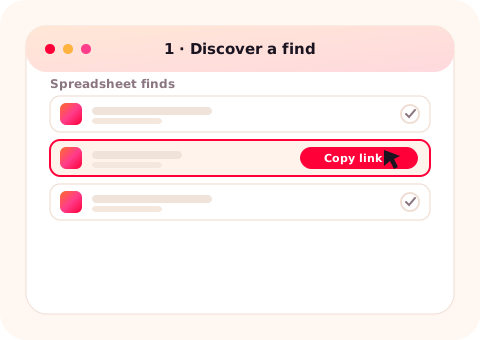
Discover
Browse the spreadsheet or W2CSpreadsheet and copy the product link you want.
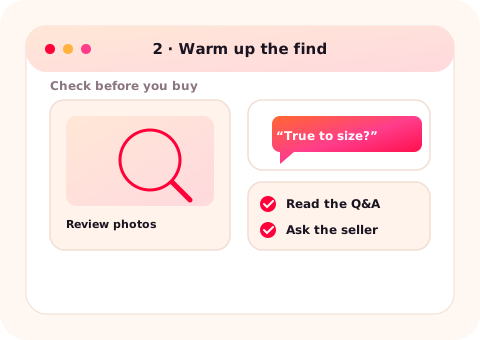
Warm up
Read the review photos and ask the seller before you commit a cent.
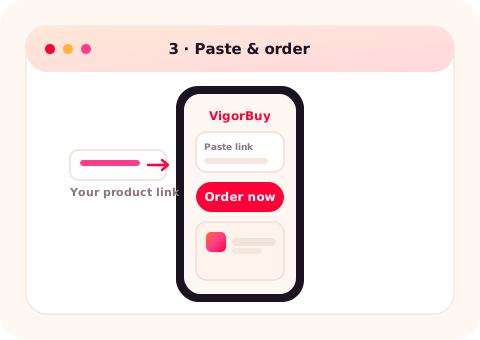
Paste & order
Drop the link into VigorBuy; it buys the exact item on your behalf.
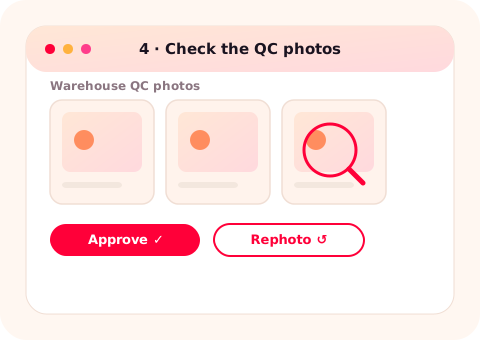
Check QC
Inspect the warehouse QC photos and request a rephoto if unsure.
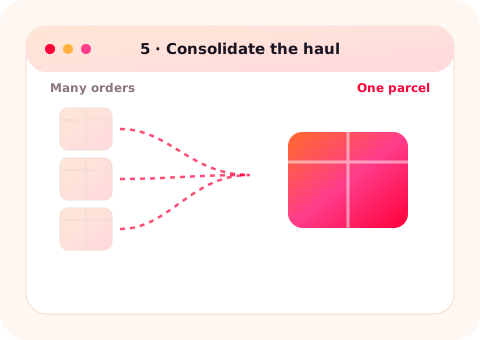
Consolidate
Combine several orders into one parcel during the free storage window.
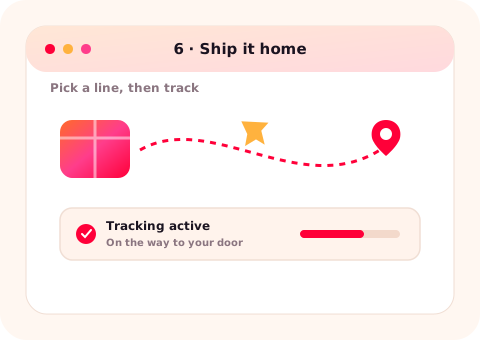
Ship home
Pick a shipping line, pay international shipping and track it to your door.
How to actually read a QC photo
Step 6 is where beginners rush. Do not just glance — run this quick scan on the warehouse photos before you approve:
- Match your order. Colour, size tag, variant and quantity are exactly what you asked for.
- Seams & stitching. Straight, even, no loose threads or skipped runs.
- Hardware & logos. Zippers, buckles, prints and logos are crisp and correctly placed.
- Obvious defects. Stains, scuffs, glue marks or colour bleed under normal light.
- Still unsure? Request one rephoto of the exact detail in doubt — then decide.
What a photo cannot prove: long-term durability or exact materials. Approve what the image can actually show, and keep expectations realistic. More on this in the QC & shipping guide.
Your first-order checklist
- Opened links in small batches so QC comparisons stay accurate.
- Ran the Warm-Up — review photos read, seller asked if needed.
- Confirmed the size from the measurement chart, not the label letter.
- Budgeted all four cost layers, not just the item price.
- Checked the current service fee and shipping options on the official site.
- Planned to consolidate rather than ship one item at a time.
Where each step actually happens
Steps 1–2 live on the spreadsheet / W2CSpreadsheet. Steps 3–9 live on VigorBuy. If a step asks for payment, a QC decision or a shipping choice, you are on the VigorBuy side — confirm details there, not here.
Before your very first order
- Read the Warm-Up routine so step 2 becomes second nature.
- Skim the four cost layers so the totals do not surprise you.
- Know the common beginner mistakes before they cost you a parcel.
Open VigorBuy to start an order ↗ Find something to buy first ↗
Last reviewed 2026-07-11. Based on public VigorBuy brand materials and general shopping-agent workflow notes. Fees, storage windows, coupons and shipping options are set by VigorBuy and can change — always confirm current details on the official VigorBuy site before you pay.